Private Error Reporting
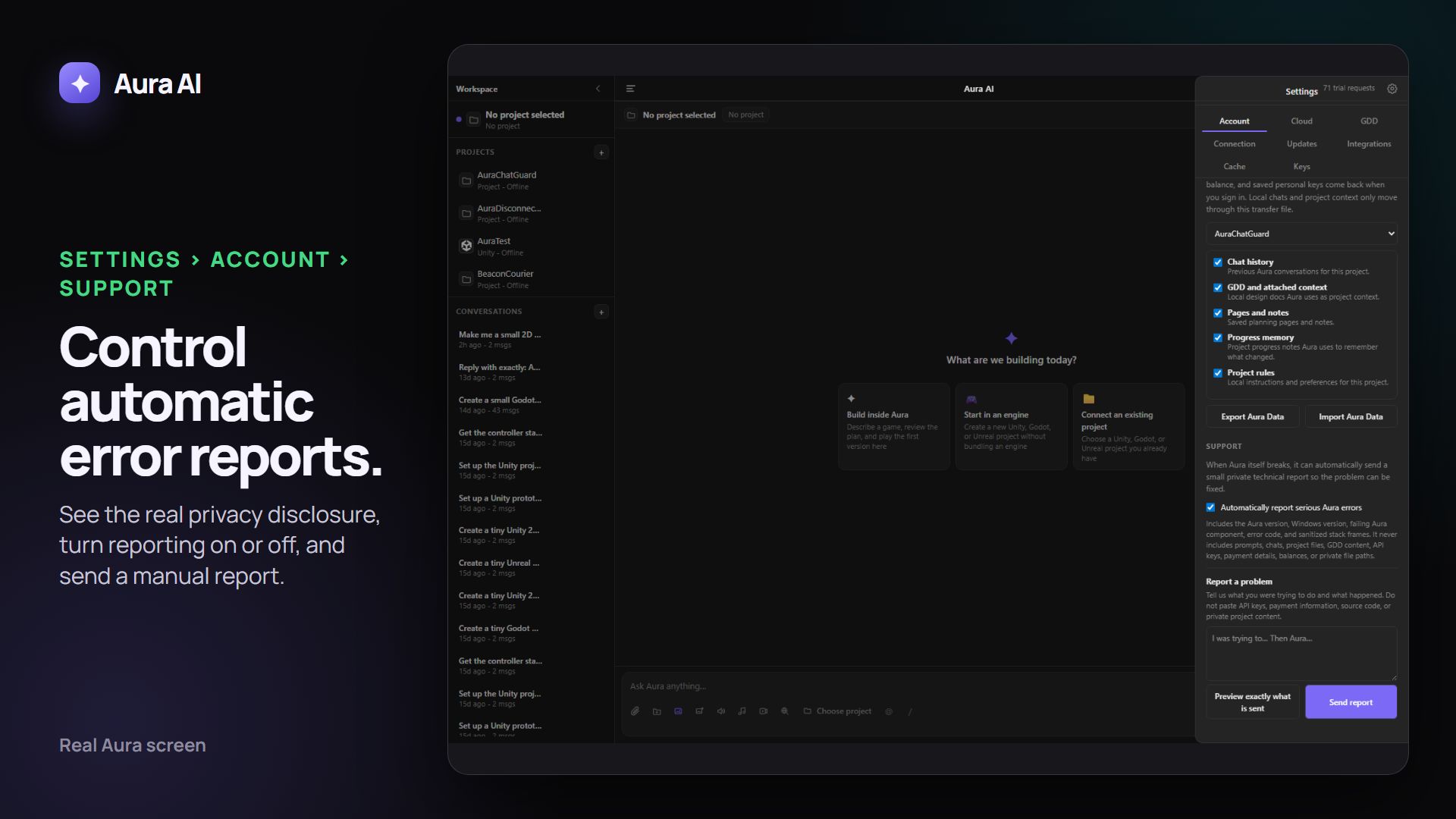
When automatic error reporting is enabled, Avori sends a bounded technical report after an Avori component fails. The report contains the Avori and operating-system versions, the failing Avori component, an error class and code, sanitized stack-frame names, and limited correlation details. It does not contain prompts, chats, project files or snippets, GDD content, API keys, credentials, payment details, balances, or absolute file paths.
Each accepted incident receives an AVORI-… reference. Repeated copies are grouped, reports wait privately on the device when offline, and delivery retries after sign-in. Open Settings → Account → Support to see the latest reference, turn automatic reporting off, delete unsent automatic reports, preview a manual report, or describe a problem yourself. Manual descriptions are scrubbed for recognizable secrets and private paths before delivery.
For the full security picture, see our Security page.